
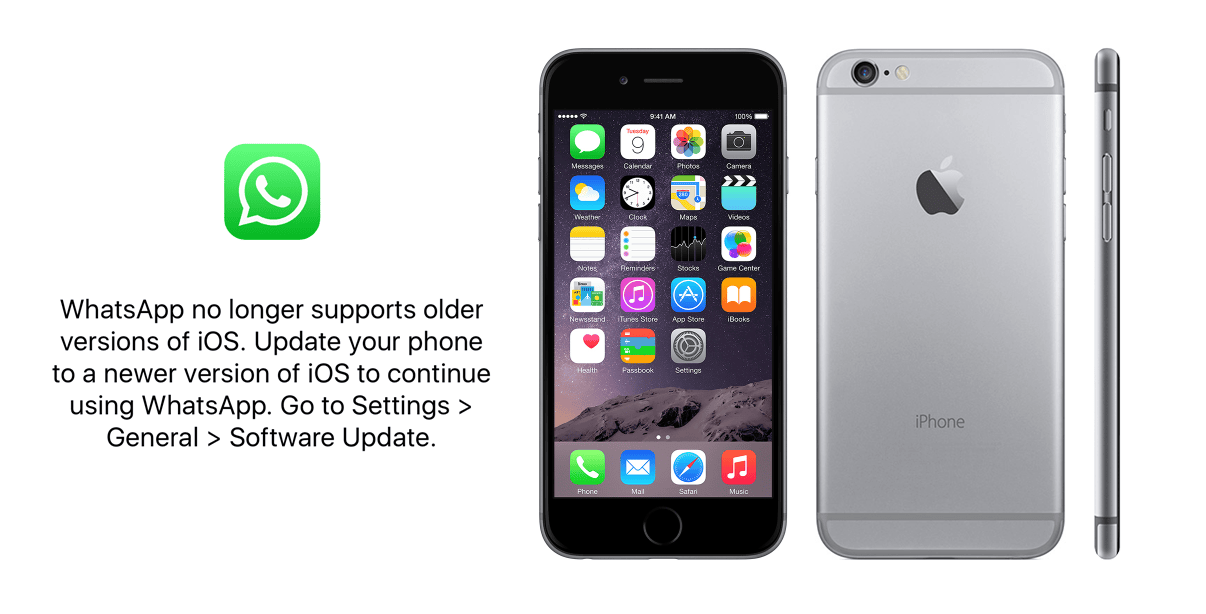
The clock is ticking for millions of iPhone users around the world. Meta has confirmed that WhatsApp will require iOS 15.1 or later starting January 1, 2026—a change that effectively cuts off several popular iPhone models from the world's most widely used messaging platform.
This isn't a sudden decision. WhatsApp has been gradually raising its minimum iOS requirements over the years, and the company gave users several months of advance notice. But with the deadline just days away, anyone still holding onto an older iPhone needs to understand exactly what's happening and what their options are.
iPhones That Will Lose WhatsApp Support
The common thread among these devices is simple: none of them can run iOS 15. The iPhone 5 and 5c are capped at iOS 10, while the iPhone 5s, 6, and 6 Plus max out at iOS 12.5.7. Since WhatsApp now requires iOS 15.1 at minimum, these devices simply can't meet the technical requirements anymore.
Why Is WhatsApp Dropping Support?
This move isn't about forcing users to buy new phones—though that's certainly a side effect. The reality is more nuanced. Modern messaging apps rely on APIs and security frameworks that simply don't exist in older iOS versions. Features like end-to-end encryption improvements, advanced media handling, and AI-powered enhancements all require capabilities that iOS 12 and earlier can't provide.
Meta has also been investing heavily in privacy and security features. Maintaining backward compatibility with decade-old operating systems means carrying legacy code that can introduce vulnerabilities and slow down development for everyone else. At some point, the math stops working—especially when the number of users on these older devices represents a tiny fraction of WhatsApp's 2+ billion user base.
What Happens on January 1, 2026?
WhatsApp will stop functioning on affected devices. You won't be able to send or receive messages, make calls, or access your chat history through the app. However, you can still access web.whatsapp.com through a browser as a temporary workaround—though this requires another device to scan the QR code.
Good News: Many iPhones Are Still Supported
Here's the silver lining: if your iPhone can run iOS 15.1 or later, you're completely safe. The iPhone 6s, released in 2015, supports up to iOS 15.8.4—which means it clears the bar for WhatsApp compatibility. The same goes for iPhone 6s Plus, iPhone SE (1st generation), iPhone 7, and every iPhone released after that.
iPhones That Will Continue to Work
These devices support iOS 15 or later and will maintain WhatsApp access beyond January 2026:
How to Check Your iPhone's iOS Version
Not sure what iOS version you're running? It takes just a few seconds to find out:
Open the Settings App
Tap the gray gear icon on your home screen to access iPhone settings.
Navigate to General → About
Scroll down and tap General, then tap About at the top.
Find Your iOS Version
Look for iOS Version in the list. If it says 15.1 or higher, you're good. If it's 12.x or lower, WhatsApp won't work after January 1.
What to Do If Your Device Is Affected
If you're using one of the affected iPhones, you have a few options to consider before the deadline hits.
Option 1: Upgrade to a Newer iPhone
The most straightforward solution is to get a device that supports iOS 15 or later. Even a used iPhone 7 or iPhone SE would keep you connected to WhatsApp for years to come. Before you switch, make sure to back up your WhatsApp chats to iCloud so you can restore them on your new device.
Option 2: Use WhatsApp Web
As a temporary workaround, you can access WhatsApp through web.whatsapp.com in Safari or another browser. However, this requires linking to another device and isn't a long-term solution since the mobile app is needed for the initial setup.
Option 3: Try Alternative Messaging Apps
Apps like Telegram and Signal may still support older iOS versions for now, though they too will eventually raise their requirements. If most of your contacts use WhatsApp, this option might not be practical.
Back Up Your Chats Before It's Too Late
Even if you're planning to upgrade, make sure your conversations are backed up:
- Open WhatsApp → Settings → Chats → Chat Backup
- Tap Back Up Now to save to iCloud
- When you set up WhatsApp on a new iPhone, choose to restore from the backup
Can You Update Your iPhone to iOS 15?
If you have an iPhone 6s, 6s Plus, iPhone SE (1st generation), or newer, the answer is yes—and you absolutely should. Updating to iOS 15 not only keeps WhatsApp working but also ensures you have the latest security patches and features.
For those interested in going further, we have comprehensive guides to help you through the process:
How to Download iOS 15
Step-by-step guide for updating your iPhone to iOS 15How to Download iOS 16
Upgrade to iOS 16 for even more features and securityTimeline of WhatsApp iOS Requirements
This isn't the first time WhatsApp has raised its minimum requirements, and it won't be the last. Here's how the platform's iOS support has evolved:
Frequently Asked Questions
The Bottom Line
Technology moves forward, and sometimes that means leaving older devices behind. If you're using an iPhone 5, 5c, 5s, 6, or 6 Plus, the January 1, 2026 deadline is real and approaching fast. Back up your chats now, and start thinking about your next move—whether that's upgrading to a newer iPhone or exploring alternative ways to stay connected.
For those with iPhone 6s or newer models, a simple software update is all it takes to keep WhatsApp running smoothly. Don't wait until the last minute—check your iOS version today and update if needed.