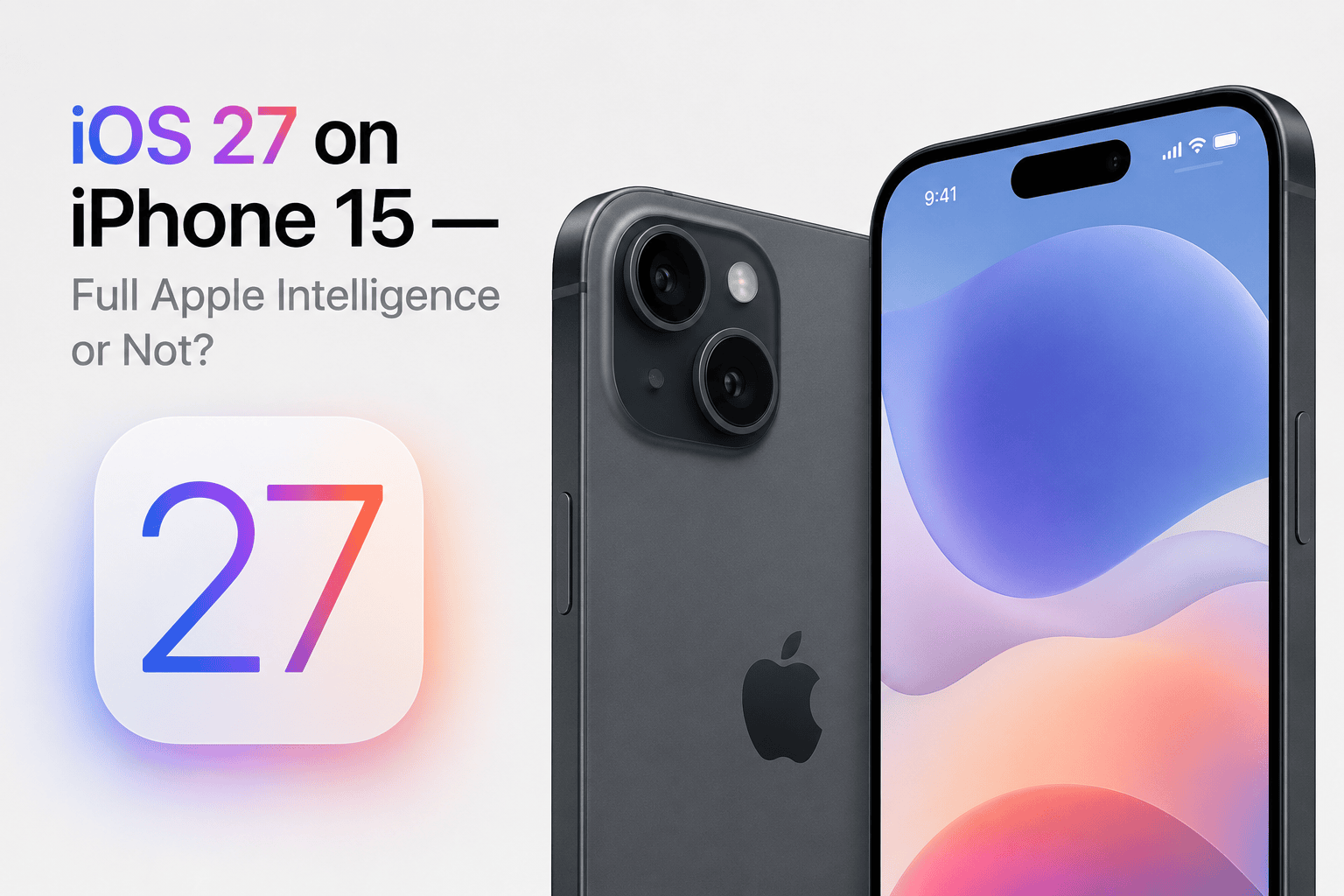
Of every iPhone in the iOS 27 lineup, the iPhone 15 generation is the one that confuses people most — and it's not their fault. Apple sells four phones under the "iPhone 15" name, and they don't all get the same version of iOS 27. Two of them are full Apple Intelligence devices. The other two aren't even close.
That's a strange situation. Normally a single iPhone generation shares a single experience. The iPhone 13 lineup all behaved the same. The iPhone 14 lineup all behaved the same. But the iPhone 15 is the year Apple's AI dividing line ran straight through the middle of a product family — and a lot of owners still don't know which side of that line their phone is on.
This guide clears it up completely. We'll cover what each iPhone 15 model actually gets on iOS 27, how to check which one you own in thirty seconds, the real reason Apple split the lineup, and whether any of it is worth upgrading over.
The iPhone 15 Split Nobody Explains Clearly
Here's the core fact, stated as plainly as possible. The iPhone 15 lineup uses two different chips:
- iPhone 15 and iPhone 15 Plus — A16 Bionic chip, 6GB RAM
- iPhone 15 Pro and iPhone 15 Pro Max — A17 Pro chip, 8GB RAM
Apple Intelligence — the on-device AI suite that includes Writing Tools, Image Playground, Genmoji, AI photo cleanup, smart Mail sorting, and deep Siri personalization — requires the A17 Pro chip or newer. That single requirement is what fractures the iPhone 15 generation in half.
On iOS 27, the iPhone 15 Pro and Pro Max get the complete experience: every core feature plus the full Apple Intelligence layer. The standard iPhone 15 and 15 Plus get iOS 27 too — the new conversational Siri, Liquid Glass 2.0, the Snow Leopard performance work, satellite messaging, all of it — but the Apple Intelligence features are simply not there. No Writing Tools. No Image Playground. No Genmoji.
How to Tell Which iPhone 15 You Have
Before you read another word, it's worth confirming which model is actually in your hand. The four iPhone 15 phones look similar enough that plenty of people aren't certain. Here's the fastest way to check:
- Open Settings → General → About.
- Look at the Model Name line. It will say exactly which one you have: iPhone 15, iPhone 15 Plus, iPhone 15 Pro, or iPhone 15 Pro Max.
A couple of physical giveaways also help. The Pro models have a titanium frame with a brushed, matte edge and three rear cameras arranged in a triangle. The standard iPhone 15 and 15 Plus have an aluminium frame with a glossier edge and two rear cameras. The Pro models also have the Action Button where the old mute switch used to be — though later standard models got that too, so the camera count and frame material are the more reliable tells.
What the iPhone 15 Pro Gets on iOS 27
If you own an iPhone 15 Pro or 15 Pro Max, this is genuinely your year. You're one of the oldest devices that still receives everything iOS 27 has to offer. Nothing in the update is hardware-locked away from you except features that physically depend on newer components, like the rumored 5G satellite connectivity tied to a future modem.
Writing Tools
System-wide rewriting, proofreading, and tone adjustment across Mail, Notes, Messages, and third-party apps.
Image Playground & Genmoji
Generate images and custom emoji directly on-device, with no round trip to a server.
AI Photo Cleanup
Remove unwanted objects and distractions from photos with the Apple Intelligence cleanup tool.
Smart Mail & Summaries
Priority inbox sorting, message summaries, and AI-generated notification digests.
Deep Siri Personalization
On-device Siri that learns your habits, understands on-screen context, and acts across apps.
Siri World Knowledge
Conversational web answers powered by Apple Intelligence and Private Cloud Compute.
On top of all that, the iPhone 15 Pro gets every core iOS 27 feature too — the rebuilt Siri interface, Liquid Glass 2.0 with the rumored intensity slider, the redesigned Calendar app, and the Snow Leopard performance gains. The A17 Pro is still a capable chip in 2026, and iOS 27's stability focus means it should run the whole package comfortably.
What the Standard iPhone 15 Gets
If you own the standard iPhone 15 or iPhone 15 Plus, here's the honest picture: you get a real, worthwhile iOS 27 update — just not the AI headline act.
- New conversational Siri
- Multi-turn Siri chat with memory
- New Siri chat-style interface
- Liquid Glass 2.0 refinements
- Rumored glass intensity slider
- Snow Leopard performance work
- Battery and memory optimizations
- Redesigned Calendar app
- Updated Photos and Safari
- Expanded satellite messaging
- Battery charge limit shortcut
- All security patches and bug fixes
- Apple Intelligence Writing Tools
- Image Playground and Genmoji
- AI photo cleanup
- Priority and smart Mail sorting
- AI notification summaries
- On-device Siri personalization
- Siri World Knowledge web answers
- Any feature requiring A17 Pro
It's worth repeating a distinction that trips up almost everyone: the new conversational Siri is not Apple Intelligence. The rebuilt, chat-style Siri is a core iOS 27 feature and it runs perfectly well on the standard iPhone 15. What the standard model loses is the deeper, on-device personalization of Siri — the part that learns your patterns and reads on-screen context. So your iPhone 15 still gets a meaningfully better Siri this fall. It just doesn't get the AI-powered creation and productivity tools layered on top.
Why Apple Drew the Line Through the iPhone 15
It's reasonable to feel that this split is a little unfair. The standard iPhone 15 was a current flagship barely two years ago. So why did Apple use a year-old chip in it, knowing what that would mean for Apple Intelligence?
Part of the answer is simple product strategy: Apple has long reserved its newest silicon for Pro models in the launch year, then trickled it down. When the iPhone 15 launched in 2023, the A17 Pro went into the Pro models and the standard phones inherited the A16 Bionic. That was a normal Apple decision at the time — Apple Intelligence hadn't even been announced yet.
But there's also a genuine technical floor, not just marketing. Running large AI models directly on a phone is demanding in two specific ways:
The Neural Engine. The A17 Pro's Neural Engine was significantly reworked for the kind of generative AI workloads Apple Intelligence relies on. The A16 Bionic's Neural Engine, while excellent for its generation, predates that redesign and can't run those models at acceptable speed and efficiency.
Memory headroom. On-device language models need to stay resident in memory while the rest of the system keeps running. Apple Intelligence devices ship with at least 8GB of RAM. The standard iPhone 15 has 6GB — enough for a smooth iOS 27 experience, but not enough to comfortably hold these AI models alongside everything else.
So the iPhone 15 Pro cleared the bar and the standard iPhone 15 landed just under it. It's frustrating, but it's not arbitrary — the standard iPhone 15 genuinely shares its AI-relevant hardware ceiling with the iPhone 14 Pro, not with its own Pro siblings.
iPhone 15 vs. iPhone 15 Pro on iOS 27: Side by Side
| Feature | iPhone 15 / 15 Plus | iPhone 15 Pro / Pro Max |
|---|---|---|
| iOS 27 support | Yes | Yes |
| Chip | A16 Bionic | A17 Pro |
| RAM | 6GB | 8GB |
| New conversational Siri | Yes | Yes |
| Liquid Glass 2.0 | Yes (60Hz) | Yes (120Hz) |
| Apple Intelligence suite | No | Full |
| Writing Tools | No | Yes |
| Image Playground / Genmoji | No | Yes |
| On-device Siri personalization | No | Yes |
| Snow Leopard performance gains | Yes | Yes |
| Satellite messaging | Yes | Yes |
The pattern is clear. The two phones share the entire core iOS 27 experience. The dividing line is the Apple Intelligence row and everything that flows from it. If AI creation and productivity tools are central to how you'd use your phone, that's the difference that matters — and it's the only real difference iOS 27 introduces between the models.
Performance and Battery Expectations
Here's some reassurance for owners of both versions: iOS 27 is built to be kind to existing hardware. Apple is treating this release as a "Snow Leopard" year — the focus is on cleaning up code, eliminating bugs, and tightening memory management rather than piling on demanding new features.
Both versions of the iPhone 15 should run iOS 27 smoothly. The A17 Pro carries the extra weight of running Apple Intelligence models locally, but it was designed for exactly that, so the Pro shouldn't feel strained. The A16 Bionic in the standard iPhone 15 has less to do under iOS 27 — no on-device AI models to keep resident — which, somewhat ironically, means it has plenty of headroom for the core experience.
As always, expect a short dip in the first day or two after updating while the system re-indexes photos, rebuilds caches, and finishes optimizing apps in the background. That settles on its own and isn't a cause for concern. If your iPhone 15's battery health has already slipped well below 80%, a battery replacement will do more for everyday feel than any software update can.
Should You Upgrade for Apple Intelligence?
This question really only applies to standard iPhone 15 and 15 Plus owners — iPhone 15 Pro owners already have everything. So let's be direct.
You probably don't need to upgrade if: you mostly use your phone for messaging, calls, photos, browsing, and apps, and you've never felt the absence of AI writing or image tools. The standard iPhone 15 on iOS 27 is fast, stable, gets the new Siri, and has years of updates ahead of it. There's no real penalty for staying.
An upgrade makes sense if: Apple Intelligence features sound genuinely useful to your daily routine — you write a lot, you'd use Image Playground or Genmoji, you want Priority Mail and AI summaries, or you want Siri that learns your habits. The standard iPhone 15 will never get any of that, and the gap only widens each year as Apple adds more AI-tier features.
If you do decide to move up, you don't have to spend flagship money. The most affordable routes to full Apple Intelligence are a refurbished iPhone 15 Pro or a current iPhone 16, which starts with the A18 chip and includes the complete AI suite. And if you can wait, September 2026 brings the iPhone 18 lineup and the rumored iPhone Fold — a worthwhile pause if you're going to upgrade anyway.
Installing iOS 27 on iPhone 15
Whichever iPhone 15 you own, getting iOS 27 is the same straightforward process — and the beta no longer requires a paid developer account. Since 2024, both the developer and public betas have been free for anyone with an Apple ID.
- For the beta (from June 8): Settings → General → Software Update → Beta Updates, then choose the iOS 27 beta channel. It then appears on the Software Update screen.
- For the stable release (mid-September): Open Settings → General → Software Update once iOS 27 is out, and tap Download and Install.
Back up your iPhone 15 first — iCloud or a computer backup — and keep at least 8 to 10GB of free storage so the installer has working room. Early beta builds can be rough, so if your iPhone 15 is your only phone, wait for the more stable public beta in July rather than installing the day-one developer beta.