
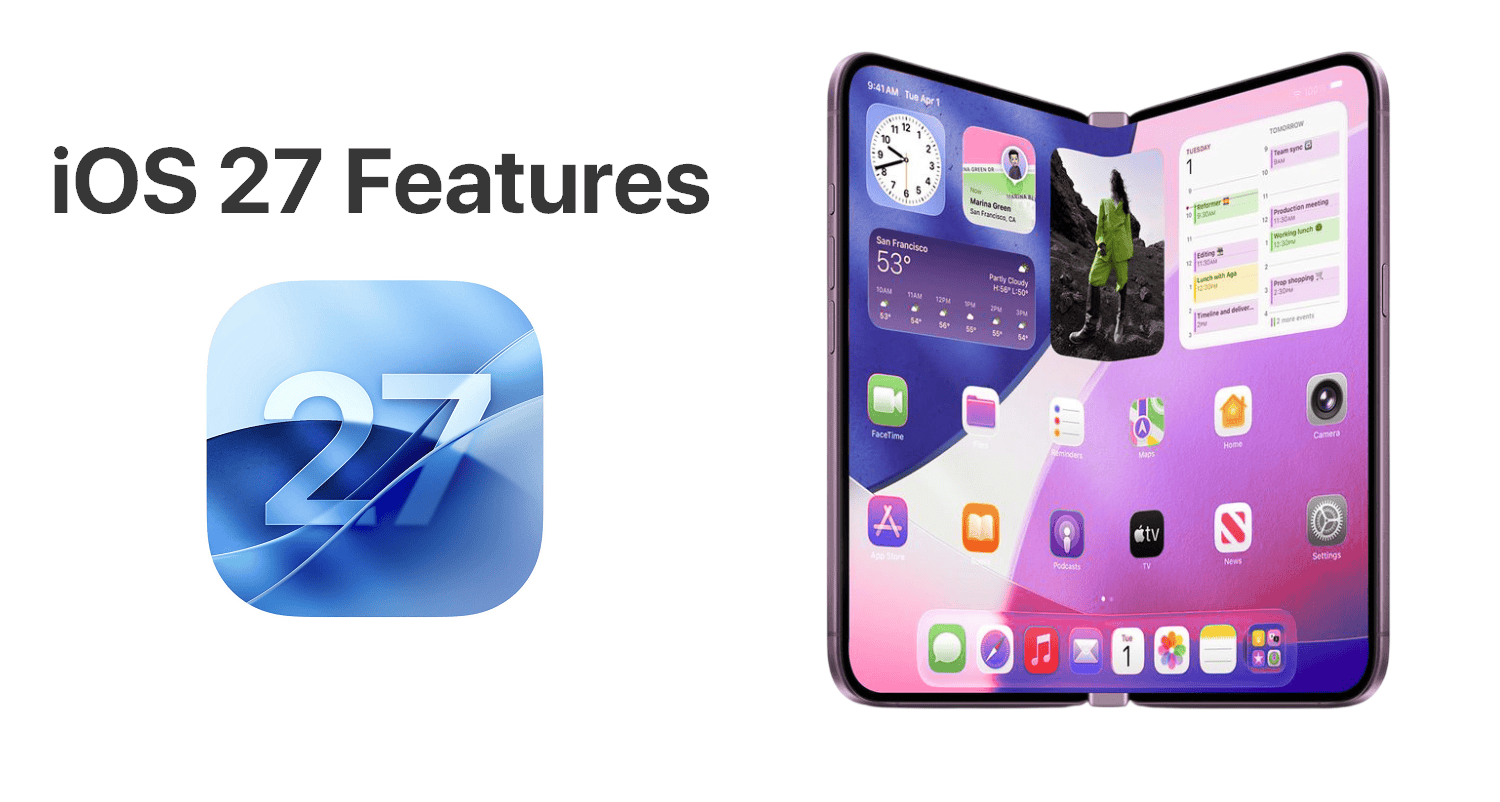
iOS 27 represents Apple's biggest AI overhaul since Apple Intelligence launched in iOS 18. Based on extensive reporting from Bloomberg's Mark Gurman, MacRumors, and 9to5Mac through May 2026, the focus is squarely on transforming Siri into a real chatbot competitor, expanding Apple Intelligence throughout the system, and refining the Liquid Glass design language introduced in iOS 26.
Apple confirmed WWDC 2026 runs June 8-12, 2026, with the keynote unveiling iOS 27 at 10:00 AM Pacific Time on June 8. Below is every confirmed and rumored feature based on leaks and code findings as of May 24, 2026.
Siri Chatbot Redesign
This is the biggest Siri overhaul since the assistant launched in 2011. According to Bloomberg's Mark Gurman, the new Siri lives largely in the Dynamic Island in iOS 27, with a dedicated app providing a ChatGPT-style experience.
What Changes with the New Siri
Dynamic Island Integration
Pill-shaped animation with glowing cursor appears when Siri is invoked. Real-time visual feedback embedded in the interface.
Dedicated Siri App
First-ever standalone app. Browse past conversations, favorite chats, search history, upload images and documents.
Conversation Mode
iMessage-style chat interface. Swipe transparent result cards to enter full back-and-forth chat.
Web Search
Draws information from the web with bullet points, rich images, and detailed responses like ChatGPT.
Ask Siri Buttons
Systemwide "Ask Siri" button in Apple's apps and "Write with Siri" button above the keyboard.
Personal Context
Uses personal data and context across apps to answer queries — features originally planned for iOS 18 finally arrive.
The Google Gemini Partnership
Google Cloud chief Thomas Kurian confirmed at Google Cloud Next 2026 that Gemini will power a more personalized version of Siri. The new Siri runs partly on a custom Google-built large language model, with Apple using its Private Cloud Compute architecture to maintain privacy.
Search or Ask System-Wide Gesture
This is fundamentally a replacement for traditional Spotlight Search, evolved into an AI-powered universal interface. The gesture mirrors Android's increasingly AI-first system search experience.
How Search or Ask Works
- Activation: Swipe down from the top center of the display in any app
- Interface: Search or Ask bar appears in the Dynamic Island
- Input: Both text typing and voice queries supported
- Results: Rich AI-generated answers with web data, bullet points, large images
- App data: More advanced results pulling from within installed apps
- AI model selection: Long-press to choose between Siri, ChatGPT, Gemini, Claude
Fully Customizable Camera App
This is the most significant Camera app change since iOS 14. Apple is leaning into the idea that users know what controls they need, switching from a fixed interface to a power-user friendly customizable layout.
Camera Widget Categories
Basic Widgets
Flash, timer, live photos toggle, resolution, format, and frame rate selectors.
Manual Widgets
Depth-of-field adjustment, exposure controls, photo styles, manual focus, white balance.
Settings Widgets
Grid lines, leveling tool, mirror front camera, lens correction, format preferences.
Siri Camera Mode
New mode for Visual Intelligence. Point at food labels, business cards, or tickets for AI actions.
Create a Pass in Apple Wallet
Apple Wallet excels at storing Apple Pay cards, digital keys, and passes from compatible apps. But many third-party services still don't issue Wallet-compatible passes. Create a Pass closes this gap natively, letting you turn any QR code or physical ticket into a clean digital pass with notifications, expiration dates, and scannable codes.
How Create a Pass Works
- Open the Wallet app and tap the "+" button
- Select "Create Pass" from the menu (alongside Add Credit Card)
- Choose to scan a QR code with the camera or build from scratch
- Select template type: Standard (orange), Membership (blue), or Event (purple)
- Customize the pass: style, images, colors, icons, text fields
- Save to Wallet — receive automatic notifications and expiration tracking
Use Cases
- Gym memberships — Convert membership cards to Wallet
- Concert and movie tickets — Digitize paper or PDF tickets
- Loyalty cards — Coffee shop punch cards, retailer rewards
- Custom gift cards — Birthday gift cards from small businesses
- Event passes — Conference badges, festival wristbands
- Coupons — Restaurant coupons, retailer discount codes
AI Photo Editing: Extend, Enhance, Reframe
The Three New AI Tools
Extend
Generates new image content beyond the original frame. Drag edges to widen — take a close-up of a landmark and synthesize the full scene.
Enhance
AI auto-adjusts color, lighting, and image quality in seconds. Smarter replacement for current auto-edit feature.
Reframe
Shifts perspective on spatial photos after capture. Generate still images from different angles within a single 3D capture.
Clean Up (existing)
Remove unwanted objects from photos. Originally introduced in iOS 18.
Core AI Framework (Replaces Core ML)
This is a developer-focused but strategically important change. Core ML has been Apple's machine learning framework since 2017. Rebranding to Core AI signals Apple's recognition that the "ML" era has ended and the AI era has begun.
What Core AI Brings
- Modern AI model support — Better integration of foundation models and LLMs
- Developer access to Apple Intelligence — Tap into Apple's on-device models
- Third-party model integration — Easier to use external AI providers
- Optimized Neural Engine usage — Improved performance on A17 Pro and newer
- Cross-platform consistency — Same API across all Apple operating systems
Third-Party AI Model Support
This is Apple's biggest strategic shift in AI: rather than locking users into ChatGPT (the only third-party option in iOS 18), Apple is becoming a neutral AI platform that lets users choose their preferred provider.
Supported AI Models (Confirmed/Expected)
- Apple Intelligence (default) — On-device + Private Cloud Compute
- ChatGPT (OpenAI) — Currently the only option, expanded in iOS 27
- Google Gemini — Confirmed via Apple-Google partnership
- Claude (Anthropic) — Bloomberg reports it's a candidate
- Other services — Apple is building infrastructure for multiple providers
Visual Intelligence Expansion
New Visual Intelligence Features
Nutrition Labels → Health
Point camera at food packaging. AI reads nutrition info and adds data to Apple Health for food tracking.
Business Cards → Contacts
Scan business cards to extract names, phone numbers, addresses. Adds directly to Contacts app.
Tickets → Wallet
Scan physical tickets and passes. Auto-converts to Apple Wallet using Create a Pass framework.
Safari Tab Groups
AI auto-names tab groups based on content. Travel tabs → "Travel," recipe tabs → "Recipes."
Image Playground & AI Wallpapers
Image Playground Changes
- "Describe a change" option — Modify generated images with natural language ("make the sky purple")
- Upgraded AI models — More lifelike, photorealistic results
- AI-generated wallpapers — Custom personalized wallpapers for Lock Screen and Home Screen
- Reduced cartoonish output — Less of the criticized iOS 18 Genmoji-style aesthetic
Writing Tools Grammar Check
Writing Tools Updates
- Grammar check — Goes beyond spell check, detects grammatical errors
- Better discoverability — More prominent UI placement throughout iOS
- Natural language Shortcuts — Build custom automations by describing them in plain English
- Style suggestions — AI learns your writing style for personalized recommendations
- Third-party AI support — Choose ChatGPT or Gemini for rewriting tasks
Safari Start Page Redesign
Safari iOS 27 Changes
- Redesigned Start Page — Four-tab layout: Favorites, Bookmarks, Reading List, History
- AI tab group naming — Visual Intelligence auto-names tab groups based on content
- Bottom tab bar search — Search reintegrated with bottom navigation (App Store style)
- Smarter profile switching — Improved transitions between Personal, Work, etc.
- Performance improvements — Better handling of many concurrent tabs
Liquid Glass Refinements
If you've used iOS 26, you noticed some Liquid Glass inconsistencies — animations that don't quite match, UI elements that feel off, transitions that could be smoother. iOS 27 addresses these rough edges throughout the system.
What's Being Improved
- Animation consistency — Unified timing and easing across all UI elements
- Visual hierarchy — Clearer distinction between interactive and static elements
- Performance — Lighter glass effects that don't drain battery
- Lock Screen stability — Fewer layout bugs with widgets and Live Activities
- Home Screen polish — Smoother interactions, better spacing defaults
- Reduced transparency option — More user control over the Liquid Glass intensity
Other Design Changes
Notable iOS 27 Design Tweaks
Keyboard Animation
New slide-up animation when keyboard appears. Keys animate up from the bottom of the screen.
Home Screen Undo/Redo
New Undo and Redo buttons in Home Screen customization mode. Reverse mistakes easily.
Weather Conditions Panel
Conditions panel moves to main Weather interface instead of requiring a separate menu.
Bottom Tab Bar Search
Search reintegrates with bottom tab bars across apps similar to App Store layout.
Snow Leopard Performance Focus
After iOS 26's dramatic Liquid Glass redesign, Apple is pulling back on visual changes. The internal mandate is reportedly to "go through iOS 26 line by line", looking for bloat, bugs, and anything that impacts performance.
Performance Targets
- Battery life — Reduced background drain, especially on iPhone 12-14
- Thermal management — Addresses overheating complaints on iOS 26
- Animation smoothness — Fewer dropped frames in Liquid Glass effects
- App launch speed — Faster cold starts across system apps
- Memory efficiency — Better handling on 6 GB and 8 GB iPhones
- Background processes — Reduced wake-ups from low-priority tasks
Device Compatibility
| iPhone Model | iOS 27 | Apple Intelligence | Notes |
|---|---|---|---|
| iPhone 17 series | ✓ Full | ✓ Yes | All features supported |
| iPhone 16 series | ✓ Full | ✓ Yes | All features supported |
| iPhone 15 Pro / Pro Max | ✓ Full | ✓ Yes | A17 Pro chip |
| iPhone 15 / 15 Plus | ✓ Full | ✗ No | A16, 6 GB RAM insufficient |
| iPhone 14 series | ✓ Yes | ✗ No | Most features work |
| iPhone 13 series | ✓ Yes | ✗ No | Performance optimizations help |
| iPhone 12 series | ✓ Yes | ✗ No | Minimum supported device |
| iPhone SE (3rd gen) | ✓ Yes | ✗ No | Released 2022 |
| iPhone 11 / Pro / Pro Max | ✗ No | ✗ No | Dropped support |
| iPhone SE (2nd gen) | ✗ No | ✗ No | Dropped support |
For the complete supported devices list including iPads, see our iOS 27 supported devices guide.
Release Timeline
WWDC 2026 Keynote
iOS 27 officially announced at 10:00 AM PT. Developer Beta 1 releases the same day.
Public Beta 1
Free public beta available via Apple Beta Software Program at beta.apple.com.
Beta Updates
Apple releases Developer Beta 2-7 and Public Beta 2-4 during summer testing.
Release Candidate (RC)
Final pre-release version. Same build that ships publicly.
iOS 27 Public Release
Available as free OTA update. Launches alongside iPhone 18 lineup.
For complete release date details and live countdown, see our iOS 27 release timeline page.