
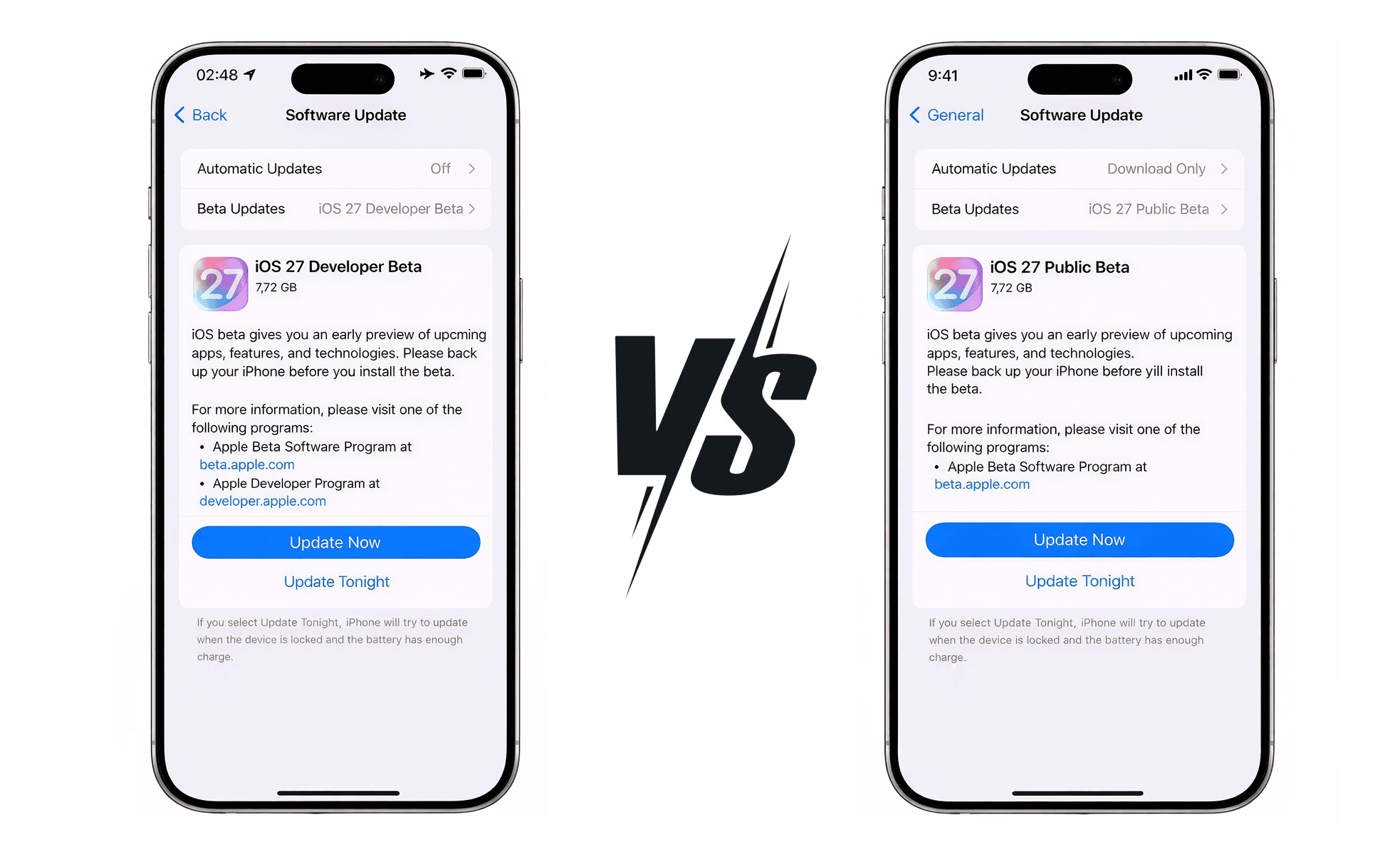
Apple offers two beta programs for testing iOS before public release: the Developer Beta (requires $99/year membership) and the Public Beta (completely free). Both allow you to experience new iOS features early, but they differ significantly in cost, release timing, stability, and target audience.
This guide breaks down everything you need to know about each program to help you make the right choice for iOS 27.
Quick Comparison
Developer Beta
For Developers & Tech Enthusiasts
- First access immediately after WWDC
- Includes Xcode beta and dev tools
- Access to all Apple platform betas
- App Store distribution rights
- Less stable, more bugs
- Requires annual payment
- Updates every 1-2 weeks
Public Beta
For General Users
- Completely free with Apple ID
- More stable than Developer Beta
- Same features as Developer Beta
- Easy enrollment via Settings
- Releases 2-4 weeks later
- No Xcode or dev tools
- Updates every 2-3 weeks
iOS 27 Developer Beta
The Developer Beta is designed for app developers who need early access to test their apps against upcoming iOS changes. However, anyone can join the Apple Developer Program and access Developer Beta.
Who Should Choose Developer Beta?
- iOS/macOS app developers who need to update apps for iOS 27 compatibility
- Tech enthusiasts who want the absolute latest features first
- Users with secondary test devices who don't mind potential instability
- Anyone who needs Xcode beta for development work
Developer Beta Requirements
- Apple Developer Program membership ($99/year)
- Compatible iPhone (iPhone 12 or later expected for iOS 27)
- Apple ID enrolled in Developer Program
- Backup of your device before installation
iOS 27 Public Beta
The Public Beta program is Apple's free beta testing program open to anyone with an Apple ID. It releases after the Developer Beta, giving Apple time to fix critical bugs discovered by developers.
Who Should Choose Public Beta?
- Regular users who want to try new features early
- Anyone who wants free access to beta software
- Users who prefer more stability over bleeding-edge access
- People who don't need Xcode or development tools
Public Beta Requirements
- Apple ID (free)
- Compatible iPhone (iPhone 12 or later expected)
- Enrollment at beta.apple.com or via Settings app
- Backup of your device before installation
Detailed Comparison
| Feature | Developer Beta | Public Beta |
|---|---|---|
| Cost | $99/year | Free |
| Release Timing | Immediately after WWDC | 2-4 weeks after WWDC |
| Stability | Less stable (more bugs) | More stable |
| Update Frequency | Every 1-2 weeks | Every 2-3 weeks |
| Xcode Beta Access | ✓ Included | ✗ Not included |
| App Store Distribution | ✓ Included | ✗ Not included |
| TestFlight Access | ✓ Full access | ✓ As tester only |
| Enrollment Method | developer.apple.com | Settings app or beta.apple.com |
| Target Audience | Developers, tech enthusiasts | General users |
| All Platform Betas | ✓ iOS, macOS, watchOS, etc. | ✓ iOS, macOS, watchOS, etc. |
Expected Release Timeline
Based on Apple's historical release patterns, here's when you can expect iOS 27 beta releases:
iOS 27 Beta Timeline
WWDC 2026 Keynote
iOS 27 announced. Developer Beta 1 available immediately.
Public Beta 1
First public beta release, typically 2-3 weeks after WWDC.
Beta Testing Period
Multiple beta updates with bug fixes and refinements.
Release Candidate
Final pre-release version for testing.
iOS 27 Public Release
Official release to all users worldwide.
Which Beta Should You Choose?
Choose Developer Beta If:
- You're an app developer who needs early API access
- You want the absolute first access to new features
- You have a secondary device dedicated to testing
- You're comfortable troubleshooting bugs and issues
- You need Xcode beta for development
- $99/year is worth it for your use case
Choose Public Beta If:
- You want to try new features without paying
- You prefer a more stable beta experience
- You're not a developer and don't need dev tools
- You can wait 2-4 extra weeks for access
- You want an easier enrollment process
Ready to Get Started?
Choose your path to experience iOS before everyone else