
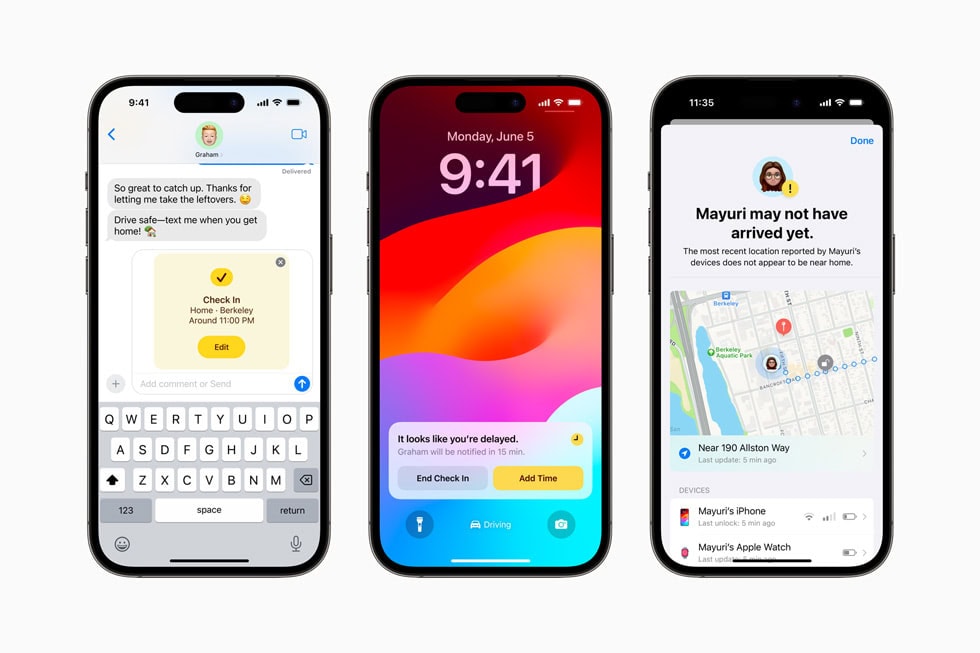
iOS 17 brought major updates like StandBy mode, Contact Posters, and interactive widgets. While iOS 18 is the current focus, some users may need to install iOS 17 for testing purposes or for device compatibility. This guide provides the archived steps to install the iOS 17 Developer Beta.
Since this is an older version, the OTA (Over-the-Air) update path might not appear automatically if your device is already on a newer version. In that case, an IPSW restore is required.
Downgrade Warning
If you are currently on iOS 18, you cannot simply "update" to iOS 17. You must erase your device and restore it using a computer. Please refer to our downgrade guide instead.
Compatible Devices
iOS 17 supports the following devices. Note that iPhone X and iPhone 8 series were dropped with this release.
- iPhone 15 Series
- iPhone 14 Series
- iPhone 13 Series
- iPhone 12 Series
- iPhone 11 Series
- iPhone XS, XS Max, XR
- iPhone SE (2nd & 3rd Gen)
Step 1: Secure Your Data
Installing older or beta software always carries risks. Ensure your data is safe.
Backup Tip
If you back up your device while on iOS 18, that backup cannot be restored to an iOS 17 device. You must have an older archived backup from when you were last on iOS 17, or set up as new.
Step 2: Download iOS 17 Beta Profile
If your device is running iOS 16, you can use the profile method to jump to iOS 17.
iOS 17 Configuration Profile
Access the archived profile for iOS 17 Developer Beta. Useful for devices still on iOS 16.
Archive • Version 17.0 Beta • .mobileconfig
- Tap Download Profile above.
- Allow the download and go to Settings.
- Tap Profile Downloaded and install it.
- Restart your iPhone.
- Go to General > Software Update.
- You should see iOS 17 Developer Beta available for download.
Why Install iOS 17 Now?
Developers often keep a test device on iOS 17 to ensure their apps work for users who haven't upgraded to iOS 18 yet. Key features to test include:
- StandBy: Check how your widgets look when the phone is charging horizontally.
- NameDrop: Test AirDrop capabilities with other iOS 17 devices.
- Interactive Widgets: Ensure your app's home screen widgets respond correctly to taps without launching the app.
Common Issues
Stuck on "Update Requested"
This is common with older beta profiles. If it hangs for more than 30 minutes, perform a hard reset (Volume Up, Volume Down, Hold Side Button) and try again.
Profile Not Signing
Apple eventually stops signing older beta profiles. If this method fails, you must use the IPSW method with a computer (Mac or PC) to manually flash the software.