How to Download iOS 27 Beta on iPhone (2026)
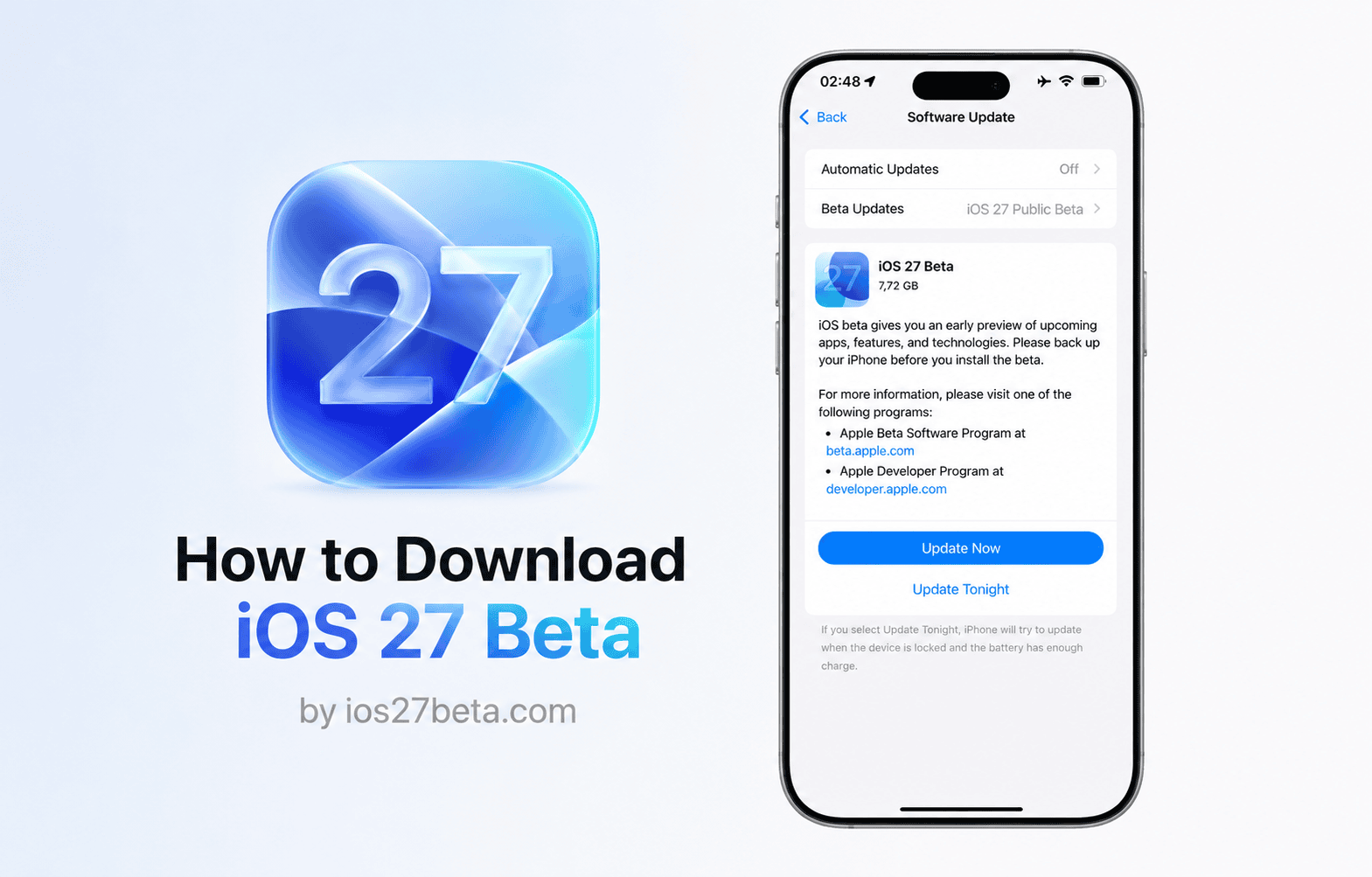
The complete, up-to-date guide. No $99 developer account. No beta profile files. Just your Apple ID and 5 minutes.
What Changed: No More Beta Profiles
If you tried installing an iOS beta before iOS 16.4, you probably remember downloading a configuration profile from a third-party site like betaprofiles.com, installing it through Safari, and restarting your phone before the update would appear. That entire process is gone.
Apple made two major changes that completely simplified beta installation:
- iOS 16.4 (March 2023) — Apple removed beta configuration profiles. Beta enrollment now happens directly inside Settings → General → Software Update → Beta Updates.
- June 2023 — Apple opened the Developer Beta to anyone with a free Apple ID. The $99/year Apple Developer Program is no longer required for beta access (it's only needed for App Store distribution).
Developer Beta vs Public Beta — Which One?
Apple offers two beta tracks. Both are now free, but they're not the same. Pick the right one for your situation:
- Releases first — June 8, 2026 at WWDC
- Updates every 1–2 weeks
- Less stable, more bugs
- Sign in at developer.apple.com
- Free Apple ID is enough
- Releases later — mid-July 2026
- Updates every 2–4 weeks
- More polished, fewer bugs
- Sign up at beta.apple.com
- Free Apple ID is enough
Before You Start — Read This First
Beta software is not the same as a finished release. Here's what you should accept before installing iOS 27 Beta:
What you'll need
- A supported iPhone (iPhone 12 or later — full list below)
- An Apple ID (free — the same one you already use)
- At least 15 GB of free storage on your iPhone
- A full backup (iCloud or computer) made on iOS 26, not on the beta
- A reliable Wi-Fi connection and at least 50% battery (or plugged in)
- About 15–25 minutes of time
Supported iPhones for iOS 27 Beta
iOS 27 is expected to support every iPhone that ran iOS 26, with no devices dropped. The final, official supported list will be confirmed at WWDC 2026 on June 8.
- iPhone 17 Pro Max
- iPhone 17 Pro
- iPhone 17 Air
- iPhone 17
- iPhone 16 Pro Max
- iPhone 16 Pro
- iPhone 16 Plus
- iPhone 16
- iPhone 16e
- iPhone 15 Pro Max
- iPhone 15 Pro
- iPhone 15 Plus
- iPhone 15
- iPhone 14 Pro Max
- iPhone 14 Pro
- iPhone 14 Plus
- iPhone 14
- iPhone 13 Pro Max
- iPhone 13 Pro
- iPhone 13
- iPhone 13 mini
- iPhone 12 Pro Max
- iPhone 12 Pro
- iPhone 12
- iPhone 12 mini
- iPhone SE (3rd gen)
Apple Intelligence features (Genmoji, Image Playground, Writing Tools, the new Siri) require an iPhone with at least 8GB of RAM and an A17 Pro chip or newer — that means iPhone 15 Pro, 15 Pro Max, and any iPhone 16 or iPhone 17 model. All other supported iPhones can still install iOS 27 Beta and use every other feature.
Step 1 — Back Up Your iPhone (Don't Skip This)
A backup is the single most important step. If anything goes wrong — and on Developer Beta 1, things sometimes do — a clean backup from iOS 26 is your only way back. Backups made on iOS 27 cannot restore to iOS 26.
Option A — iCloud Backup (easiest)
Option B — Computer Backup (most thorough)
On a Mac (macOS Catalina or later), open Finder. On Windows or older macOS, use iTunes. Connect your iPhone with a cable, click your device, choose "Back up all of the data on your iPhone to this Mac/PC", and check Encrypt local backup (this preserves Health, passwords, and Wi-Fi data). Click Back Up Now.
Step 2 — Sign In with Your Apple ID
This is the step that replaced beta profiles. You're telling Apple's servers "this Apple ID wants beta access" — and that unlocks the option inside Settings.
For Developer Beta
For Public Beta
Step 3 — Enable Beta Updates in Settings
Once your Apple ID is signed into the right program, the beta toggle appears inside Settings. Here's exactly where to find it:
Step 4 — Download and Install iOS 27 Beta
With Beta Updates enabled, the iOS 27 Beta will appear like any normal iOS update.
What to Do After Installing
1. Don't panic about battery life for 48 hours
After any major iOS update, your iPhone spends 24–48 hours reindexing the Photos library, rebuilding Spotlight search, and re-syncing iCloud. Battery drain is much worse during this period. This is normal. Wait two full days before deciding whether beta battery life is a real problem on your device.
2. Use the Feedback Assistant when something breaks
Apple includes a Feedback Assistant app on every beta install (look on your second home screen page). When you find a bug — a crash, a weird animation, an app that won't open — open Feedback Assistant and file a report. Real reports actually get read and fixed; this is how beta software improves.
3. Keep automatic updates on
Beta builds update every 1–2 weeks (Developer) or 2–4 weeks (Public). Each new build fixes bugs from the previous one. Go to Settings → General → Software Update → Automatic Updates and turn on Download iOS Updates and Install iOS Updates.
iOS 27 Beta Release Timeline
Apple follows the same beta schedule every year. Here's what to expect for iOS 27:
How to Downgrade from iOS 27 Beta to iOS 26
If iOS 27 Beta is too unstable for you, you can roll back to the latest signed version of iOS 26. The process requires a Mac or PC.
Frequently Asked Questions
Is iOS 27 Beta really free? Do I have to pay $99?
It's genuinely free. The $99/year fee is the Apple Developer Program, which is required for publishing apps to the App Store — not for installing beta software. Since June 2023, anyone with a free Apple ID can sign in at developer.apple.com and enable the Developer Beta. The Public Beta has always been free via beta.apple.com.
Where do I download the iOS 27 beta profile?
You don't. Beta configuration profiles haven't existed since iOS 16.4 (March 2023). Sites that still advertise "iOS 27 beta profile downloads" are either out of date or trying to get you to install something else. The real method is signing in with your Apple ID — covered in Step 2 above.
Can I install iOS 27 Beta without a computer?
Yes — the entire process can be done on your iPhone alone. You only need a computer if you want to make a more thorough backup (recommended) or if you plan to downgrade later.
Will iOS 27 Beta break my apps?
Most apps work fine. The ones most likely to break temporarily are banking apps, authenticator apps (Authy, Google Authenticator), some VPN clients, and corporate-managed apps. Developers usually update these within a week or two of the first beta. If a critical app is broken, you can always downgrade.
My iPhone 11 (or older) — can I install iOS 27?
No. iOS 27 requires iPhone 12 or later. iPhone 11, XS, XR, X, 8, and earlier are not supported. They will continue to receive security updates on iOS 26 for at least one more year.
Do I get Apple Intelligence on iOS 27 Beta?
Only if your iPhone has at least 8GB RAM and an A17 Pro chip or newer. That's iPhone 15 Pro, 15 Pro Max, and every iPhone 16 and iPhone 17 model. Other iPhones can install iOS 27 Beta but won't see Apple Intelligence features like Genmoji, Image Playground, Writing Tools, or the upgraded Siri.
Will I lose my data installing iOS 27 Beta?
No — beta installations are upgrades, not wipes. Your apps, photos, messages, and settings all carry over. That said, betas occasionally have bugs that corrupt specific app data, so a full backup (Step 1) is non-negotiable. Make the backup; you won't regret it.
How do I unenroll from the beta program?
Open Settings → General → Software Update → Beta Updates and select Off. You'll stop receiving new beta builds. To go back to a stable iOS 26 release, you need to downgrade (see the section above) — turning off beta updates while running iOS 27 Beta keeps you on iOS 27 until the final September release.
When exactly will iOS 27 Beta be available to download?
Apple typically releases Developer Beta 1 within 2–4 hours of the WWDC keynote ending. For iOS 27, that means the evening of June 8, 2026 (US Pacific time) — roughly 1am–3am on June 9 in Ireland/UK. You can sign into developer.apple.com beforehand, but the iOS 27 option won't appear in Settings until Apple flips the switch.
Is the iOS 27 Public Beta different from Developer Beta?
Slightly. The Public Beta builds are usually identical to a recent Developer Beta — they're just released a few weeks later, after Apple's had time to fix the worst bugs. Once both programs are running, the actual builds released to Public Beta users are renamed Developer Beta builds. The final September release is identical for both.